
Mobile and app checks
k999 Mobile and App: A Guide to Verifying APK Claims
Searching for “k999 App” or “k999 APK” can produce download-related results. A search title, logo or Download button does not prove a file’s identity or safety. This page provides no APK; it explains the difference between mobile web access, app claims and file verification.
Last reviewed: 12 August 2026
APK checks before downloading
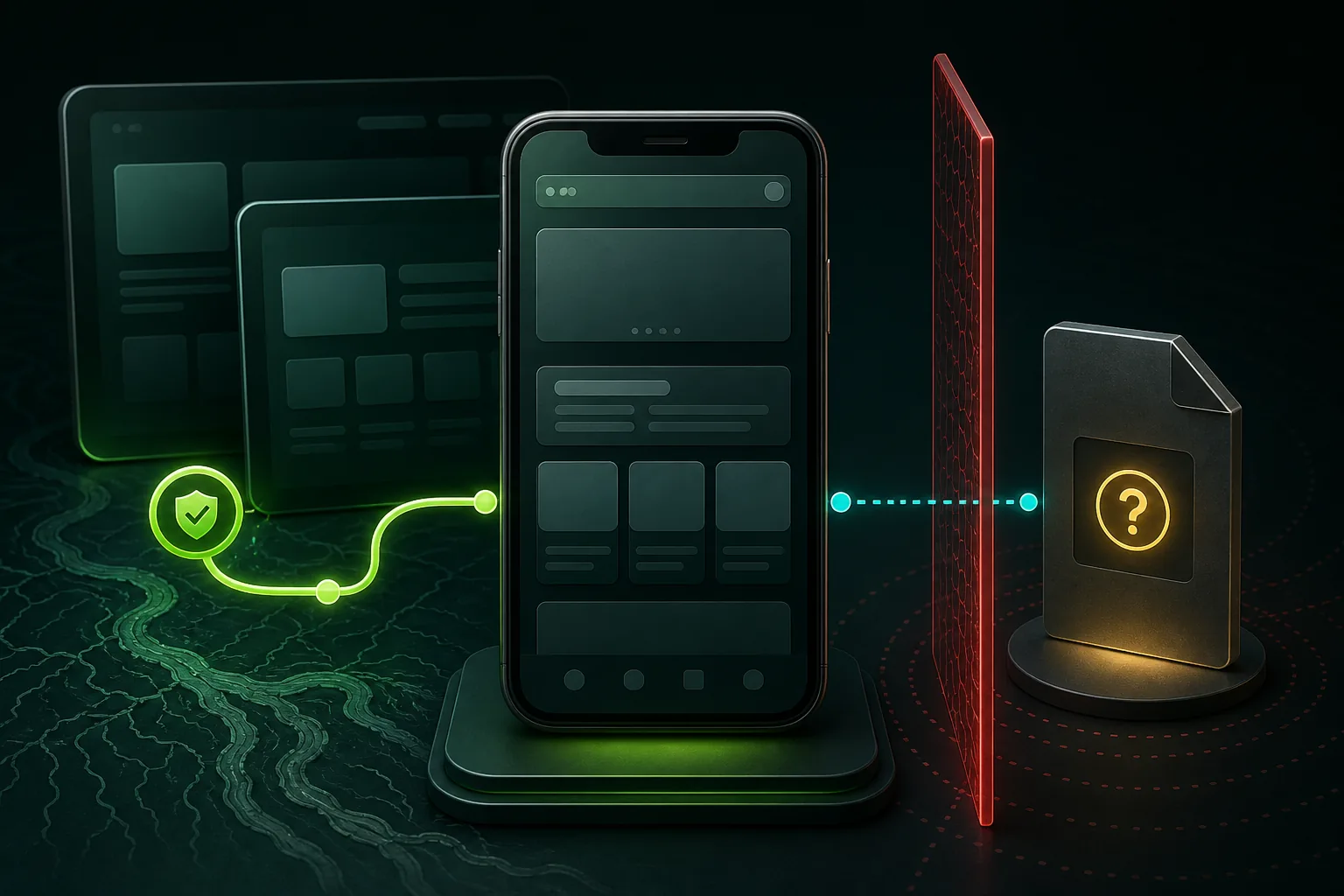
- Check the domain spellingLook for misleading substitutions.
- Identify the direct file sourceA button destination may not be a file.
- Find the publisher or developerA logo is not publisher evidence.
- Compare version and update dateBoth should be current and consistent.
- Compare file sizeConflicting sizes require investigation.
- Review permissionsQuestion unnecessary SMS, contacts, accessibility or device control.
- Read device warningsDo not bypass security warnings without verification.
- Look for a hash or verifiable identifierA filename alone is insufficient.
If a Download button leads to registration or another brand, do not describe it as a direct APK download.
What a Download label does not prove
On 12 August 2026, a reviewed k999-named app page displayed Download labels whose visible destinations led to registration rather than a direct APK file. This observation does not confirm the existence, publisher, version or safety of an app.
Mobile and app questions
Does k999.beer provide an APK?
No. It hosts and distributes no app or APK file.
Does a Download button prove that an APK is available?
No. Check the destination, direct file source, publisher, version and permissions.
Which permissions should receive extra scrutiny?
Unexpected SMS, contacts, accessibility or device-control permissions require a fresh review before installation.